
Free tools
Free Shutdown Planning Tools: Templates and Calculators
MaintWiz offers free shutdown planning tools: Excel templates with visible formulas, a browser tool that turns a pasted task list into a Gantt chart with the critical path, and calculators for delay, scope, KPIs and time on tools. Excel files are free with a business email; the browser tools need no sign-up. MaintWiz imports your task list from Excel.
STO means shutdown, turnaround and outage. Files contain no macros.
How MaintWiz helps: Start with templates and move to one system when coordination gets hard. The MaintWiz shutdown module moves the plan from spreadsheets into one system with a critical path, readiness gates, permits and spares status. See the module · Get the 40-step checklist
By Jai Balachandran · Published · Last reviewed
What MaintWiz adds:Critical path and floatReadiness gatesPermits and isolationsSpares status with SAP
Definition
What free shutdown planning tools are there?
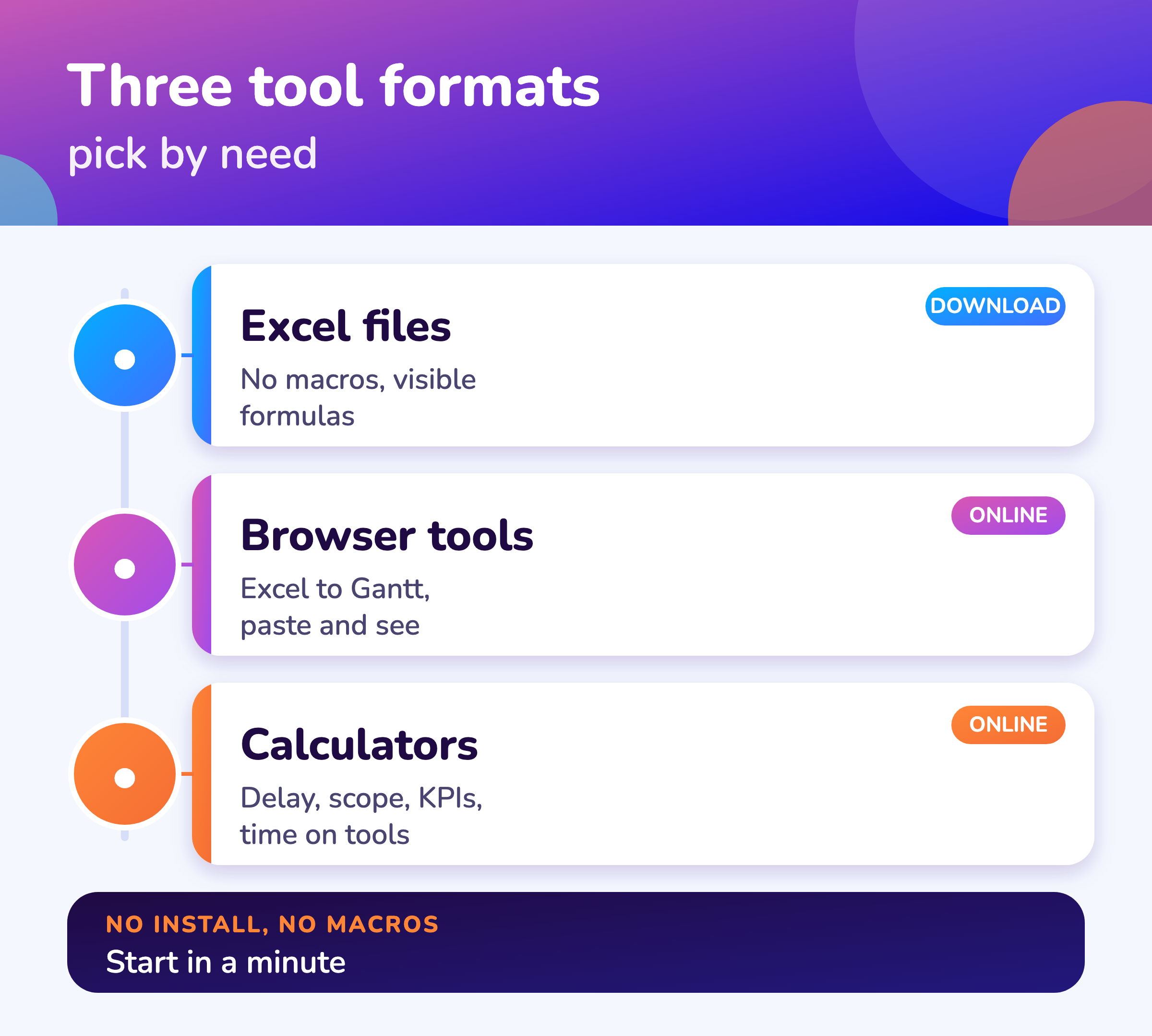
MaintWiz offers free shutdown planning tools in three formats: Excel files with visible formulas and no macros, a browser tool that turns a pasted task list into a Gantt chart with the critical path, and calculators for delay, scope, KPIs and time on tools. In this guide STO means shutdown, turnaround and outage.
The Excel files are free for business email addresses: you enter your name, company, business email and phone number, and we email you a link that works for 15 minutes. The browser tool and the calculators need no sign-up. Pick by phase below.
The full list of templates is on the shutdown planning templates page.
Plan
Which free tools help plan a shutdown?
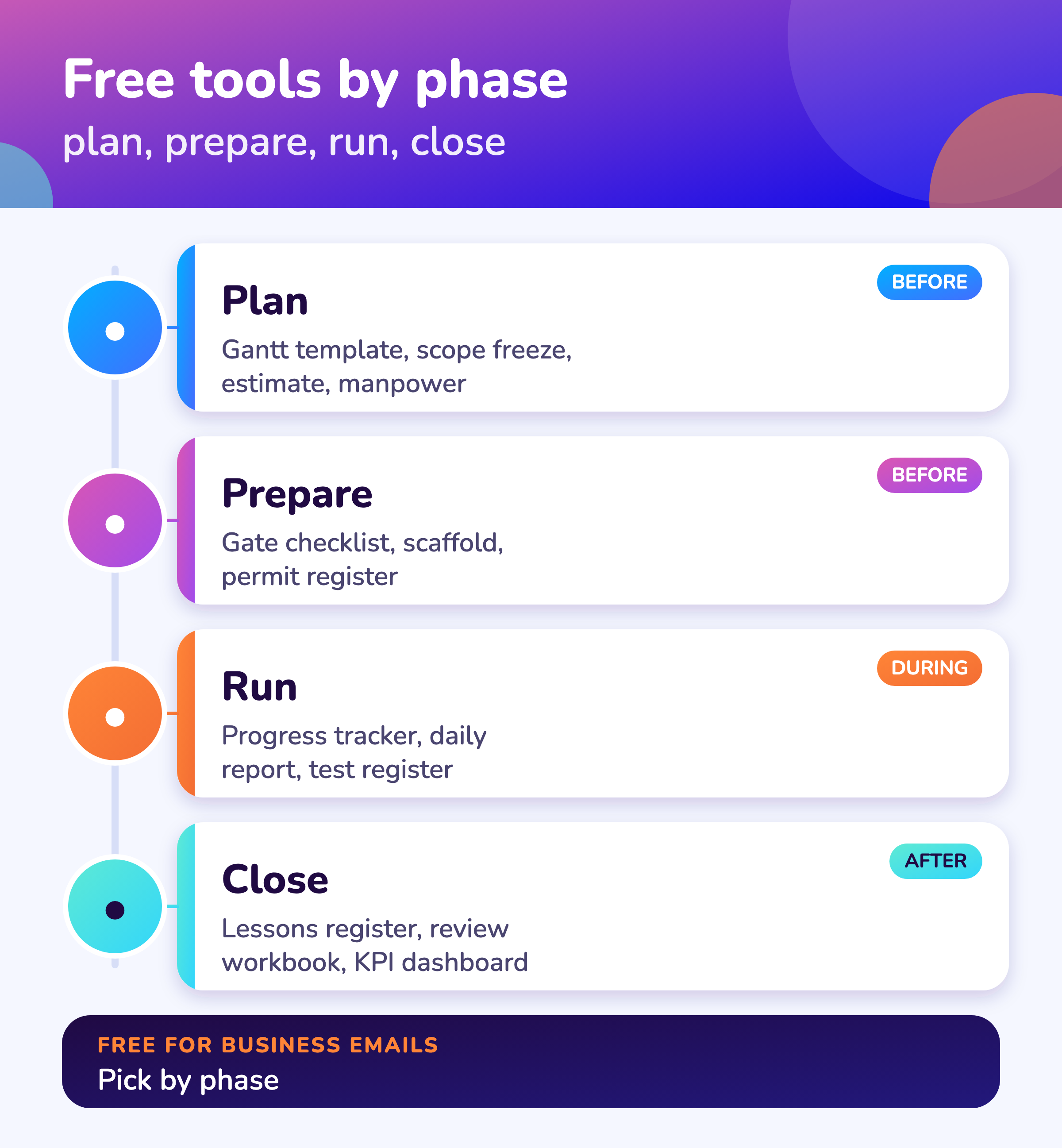
To plan a shutdown, use the 40-step checklist, the scope freeze register, the Gantt template or the browser Excel to Gantt tool, the basis of estimate, the manpower workbook, the budget template and, if you are choosing software, the RFP and demo scorecard.
| Tool | What it does | Format |
|---|---|---|
| 40-step shutdown checklist | Phase-by-phase checklist with a progress count | Excel |
| Scope freeze register | Logs each request and calculates scope growth | Excel |
| Gantt and schedule template | Task list with dates and a simple Gantt | Excel |
| Excel to Gantt tool | Paste a task list and see the critical path and float | Browser |
| Basis of estimate template | Estimate lines, contingency and the range for the class | Excel |
| Manpower plan and histogram | Hours by trade and day to headcount and a chart | Excel |
| Budget and contingency template | Budget by category with contingency | Excel |
| Software RFP and demo scorecard | Weights and scores up to three tools | Excel |
MaintWiz
What comes after the free tools?
When templates stop being enough, the MaintWiz shutdown module keeps the plan, readiness, permits, spares, progress and cost in one system and imports your Excel task list; AI agents support shutdown planning.
Bring your spreadsheet to a demo and we will load it. Plant requirements shape what we build next.
About MaintWiz. MaintWiz is an industrial AI platform with IoT, SAP integration and predictive maintenance (PdM) capabilities. Its shutdown and turnaround module helps plants plan, schedule, execute and close out shutdown work.
What the shutdown module covers
As described on the MaintWiz shutdown maintenance product page.
- Import tasks from Excel
- Gantt chart with critical path, float and baselines
- Seven readiness gates with signed waivers
- Permits and isolations shown on each work order
- Earned value, cost and schedule indices
- Handover notes, deferred items and lessons learnt
Proof
What MaintWiz customers report
Figures as published in MaintWiz case studies on maintwiz.com. They come from maintenance management projects, not shutdowns.
Prepare
Which free tools help prepare for a shutdown?
To prepare, use the readiness gate checklist, the permit and isolation register, the scaffold request register, the long-lead items tracker, the contractor mobilization template and the 5x5 risk register.
| Tool | What it does | Format |
|---|---|---|
| Readiness gate checklist | Rates 23 items across five gates with a go or no-go reading | Excel |
| Permit and isolation register | Tracks permits and isolations | Excel |
| Scaffold request register | Flags late scaffold requests | Excel |
| Long-lead items tracker | Parts, orders and due dates | Excel |
| Contractor mobilization template | Mobilization and time on tools | Excel |
| Risk register with 5x5 matrix | Scores and bands risks | Excel |
Run and close
Which free tools help run and close a shutdown?
To run and close a stop, use the look-ahead and percent complete tracker, the daily progress and S-curve template, the hydrotest register, the restart readiness checklist, the lessons register, the shutdown calculators and the KPI dashboard.
| Tool | What it does | Format |
|---|---|---|
| Look-ahead and percent complete tracker | Earned hours, schedule index and a 3-day look-ahead | Excel |
| Daily progress and S-curve template | Daily progress against plan | Excel |
| Hydrotest and leak test register | Test packs, blinds, results and reinstatement | Excel |
| Restart readiness checklist | Checks before start-up | Excel |
| Lessons learned register | Findings and actions for the next stop | Excel |
| Shutdown calculators | Delay, scope, KPIs and time on tools | Browser |
| KPI dashboard template | Calculates shutdown KPIs | Excel |
Equipment
Which free tools cover equipment and sectors?
For equipment and sectors, use the heat exchanger job card, the catalyst change-out schedule skeleton, the storage tank outage checklist, the sector shutdown checklists and the AI readiness and vendor claims scorecard.
| Tool | What it does |
|---|---|
| Heat exchanger job card | Twelve steps with hours and a plugging check |
| Catalyst change-out skeleton | Ten phases in sequence and a lead-time check |
| Storage tank outage checklist | Twenty-four items across seven phases |
| Sector checklists | Refinery, chemical, cement, steel, power, food, pharmaceutical and water checklists |
| AI readiness and vendor claims scorecard | Scores your data for an AI pilot and each vendor claim |
How it works
How do you get a free shutdown planning template?
Open the page for the tool, choose the download, enter your name, company, business email and phone number, and use the link we email you within 15 minutes; the browser tool and the calculators need no sign-up.
- 1
Pick the tool
Use the tables above.
Choose - 2
Fill the short form
Name, company, business email, phone with country code.
1 minute - 3
Open your email
The link works for 15 minutes and once.
Link - 4
Download and use
Excel files have visible formulas and no macros.
Use - 5
Ask for more
Book a demo to see the same work in one system.
Optional
Looking for software? See turnaround management software and replacing Excel.
Visuals
Save the free tools visuals
Two visuals that list the tools. Click either for the full-size image.
FAQ
Frequently asked questions
Are the shutdown planning templates really free?
Yes. Enter your name, company, business email and phone number and we email a download link. There is no charge.
Why do you ask for a business email?
To send the link and follow up on the enquiry. Free mail addresses are not accepted.
Do the Excel files contain macros?
No. Formulas are visible and there are no macros.
Which tools need no sign-up?
The Excel to Gantt tool and the shutdown calculators run in your browser.
Is there a free turnaround checklist?
Yes. The 40-step shutdown checklist and sector checklists are available as Excel files.
Is there a free shutdown schedule template?
Yes. See the Gantt and schedule template and the Excel to Gantt tool.
Can we share the files with our contractors?
Yes, keep the credit line in the file. Each person who downloads gets their own link.
When should we move from templates to software?
When several people edit the plan or permits, parts and progress need one record. See replace Excel.
Does MaintWiz offer more than templates?
Yes, the shutdown module, with AI agents. See AI shutdown planning.
Sources
Sources
This page lists MaintWiz tools and guides. The files are working aids. The GAO schedule guide is the reference for schedule practice.
Move your shutdown plan out of spreadsheets
Book a demo and bring the spreadsheet you use today. We will show how the module covers the same ground.