
Small plants
Turnaround Software for Small Plants: Start Lean
A small plant should start turnaround software with four functions: import from Excel, the critical path, daily progress and permit and parts status beside each job. Prove them on one pilot stop in 90 days and add readiness gates, cost control and other modules afterward. MaintWiz imports from Excel and adds modules as you need them.
STO means shutdown, turnaround and outage. Software vendors are not named on this page.
How MaintWiz helps: One planner needs a tool that pays back in the first stop. The MaintWiz shutdown module moves the plan from spreadsheets into one system with a critical path, readiness gates, permits and spares status. See the module · Get the work list template
By Jai Balachandran · Published · Last reviewed
What MaintWiz adds:Critical path and floatReadiness gatesPermits and isolationsSpares status with SAP
Definition
What does a small plant need from turnaround software?
A small plant needs turnaround software that loads its task list from Excel in minutes, shows the critical path, tracks daily progress and keeps permits and parts status beside each job, with no long implementation, because one planner usually does all of it. In this guide STO means shutdown, turnaround and outage.
Small plants plan stops with a small team, often one planner who also supervises. The software has to save that person time in the first stop, not add a project of its own. Start with four functions, prove them on one shutdown and add the rest later.
Start without software: the free shutdown templates include a work list, a schedule and a daily progress workbook.
Start with
Which turnaround software functions should a small plant start with?
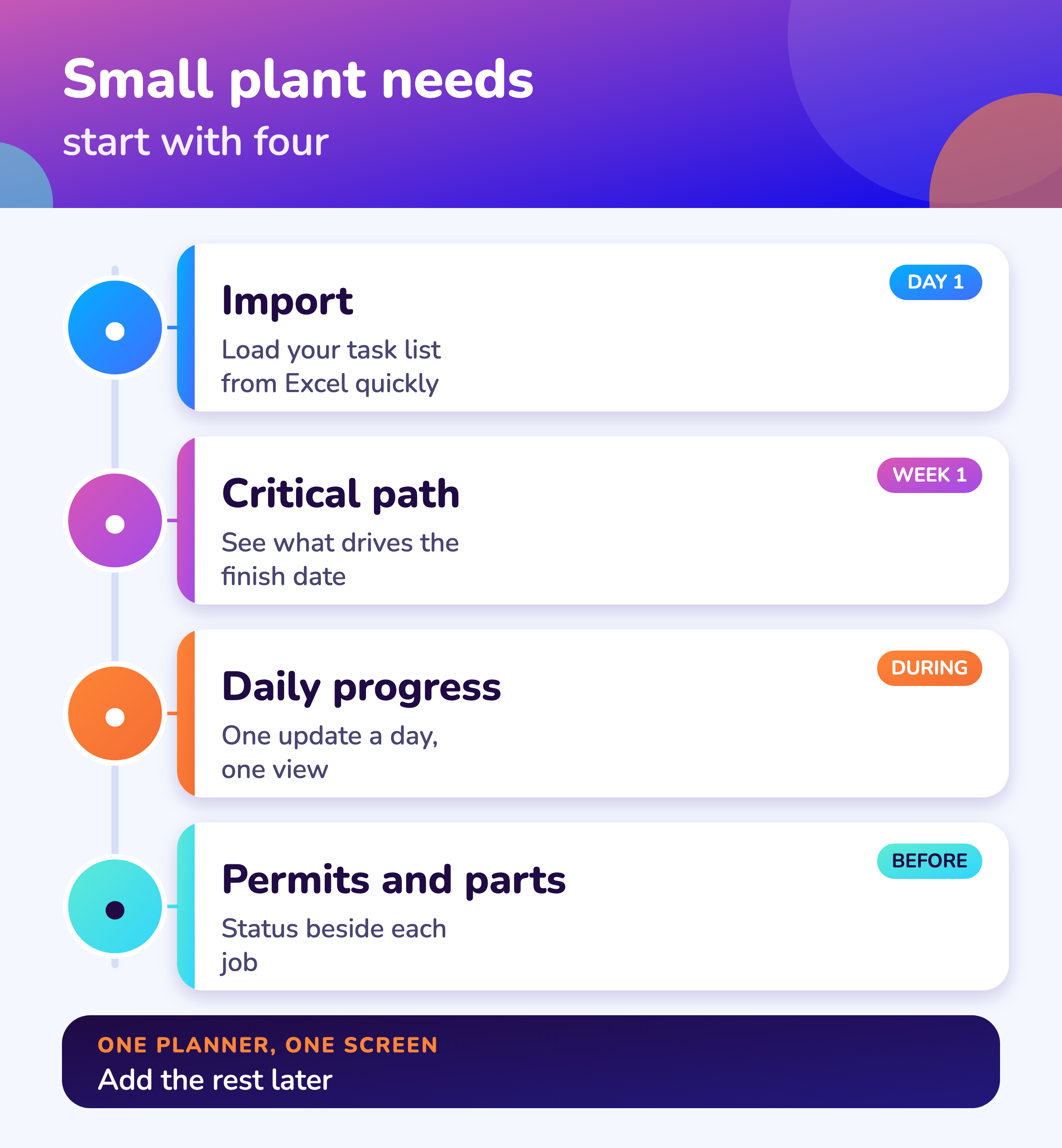
Start with import from Excel, a critical path with float, daily progress and permit and parts status beside each job; add readiness gates, cost control and contractor views once the first stop has run on the tool.
Import
Load your task list from Excel on day one.
Critical path
See which jobs drive the finish date and how much float the others have.
Daily progress
One update a day, one view for everybody.
Permits and parts
Status beside each job so nothing starts unready.
Details are in turnaround management software.
MaintWiz
How does MaintWiz suit a small plant?
MaintWiz imports your task list from Excel and shows the critical path, daily progress, permits and spares status in one plan, and you can add readiness gates and cost control when you need them; AI agents support shutdown planning.
Bring your task list to a demo and we will load it. Tell us your team size: plant requirements shape what we build next.
About MaintWiz. MaintWiz is an industrial AI platform with IoT, SAP integration and predictive maintenance (PdM) capabilities. Its shutdown and turnaround module helps plants plan, schedule, execute and close out shutdown work.
What the shutdown module covers
As described on the MaintWiz shutdown maintenance product page.
- Import tasks from Excel
- Gantt chart with critical path, float and baselines
- Permits and isolations shown on each work order
- Spares status with the SAP request or order behind each short part
- Findings from technicians sent straight to the planner
- Handover notes, deferred items and lessons learnt
Proof
What MaintWiz customers report
Figures as published in MaintWiz case studies on maintwiz.com. They come from maintenance management projects, not shutdowns.
Phasing
What can a small plant leave until later?
A small plant can leave portfolio views, earned value, trade availability across stops and extra integrations until after the first stop, as long as the tool can add them without a new project.
| Add now | Add after the first stop |
|---|---|
| Task import and critical path | Seven-gate readiness checks with waivers |
| Daily progress and the look-ahead | Earned value and cost indices |
| Permit and parts status | Contractor and trade availability across stops |
| Two or three user roles | Portfolio views and integrations with other systems |
Ask each vendor how a module is switched on later and what it costs, so that phasing does not become a re-implementation.
90-day start
How can a small plant start in 90 days?
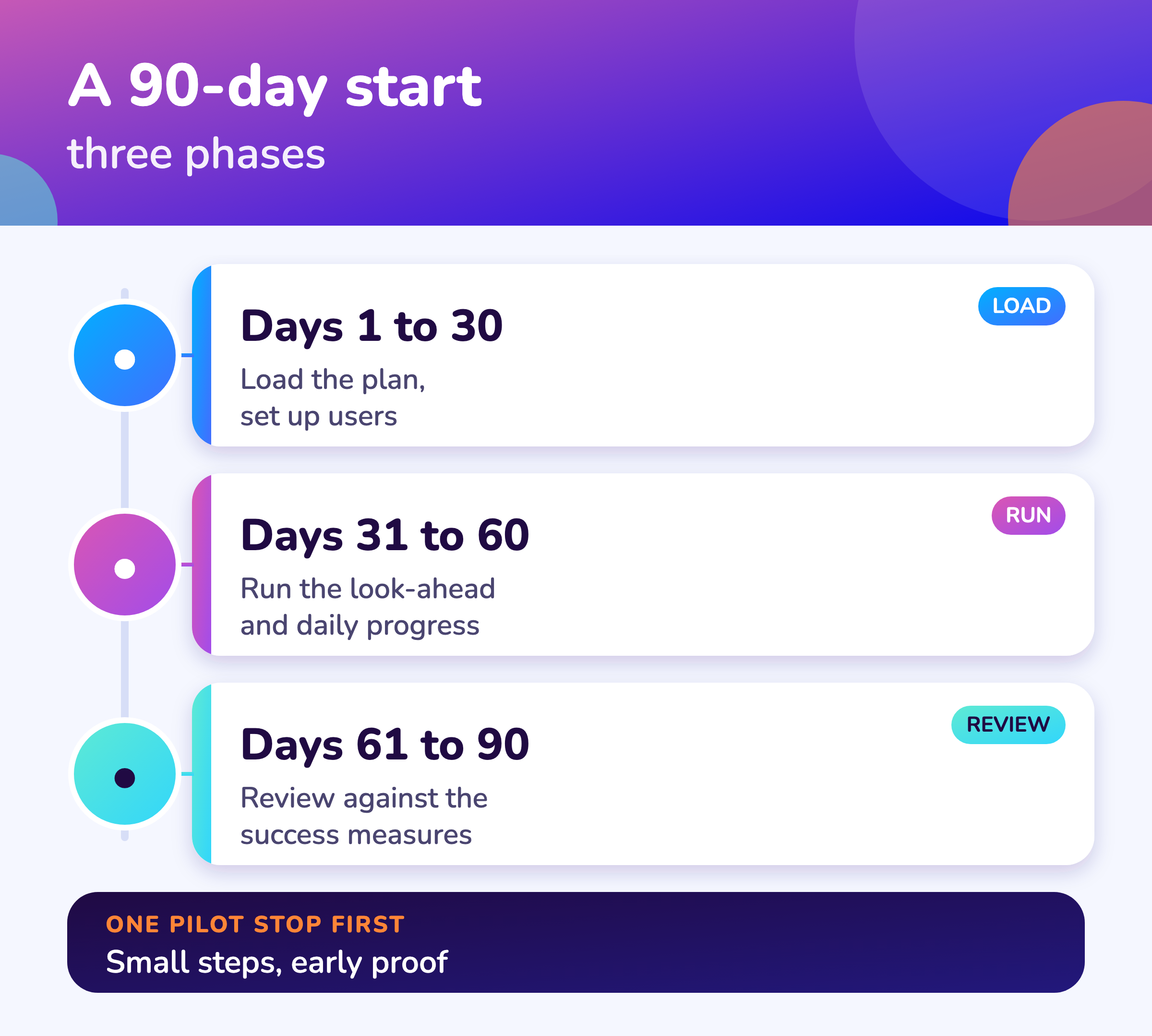
Load the plan and set up users in the first 30 days, run the look-ahead and daily progress on a live or past stop in the next 30, and review against the success measures in the last 30, with one pilot stop and one named owner.
- 1
Days 1 to 30
Clean and load the task list; set up two or three roles; train the planner.
Load - 2
Days 31 to 60
Run the three-day look-ahead and daily progress on the pilot stop.
Run - 3
Days 61 to 90
Compare with your success measures; decide to extend.
Review
Cost
What should a small plant watch in the cost?
A small plant should watch the minimum user or site commitment, the implementation fee, the price of adding modules and users later, and its own staff time, because a low license price can hide a large setup effort.
- Minimum users or site fee
- Implementation and setup fee
- Price of extra modules and users
- Training time for a small team
- Support hours
- Exit terms and data export
See turnaround software cost for the full list and a worksheet.
Visuals
Save the small plant software visuals
Two visuals for the plant manager. Click either for the full-size image.
FAQ
Frequently asked questions
Do small plants need turnaround software?
Not always. If one planner runs a few hundred tasks, templates may be enough. Software pays when permits, parts and progress need to be in one place.
What should a small plant start with?
Import from Excel, the critical path, daily progress and permit and parts status.
How long does it take to start?
A focused 90-day start: load and set up in 30 days, run on a pilot stop in the next 30, review in the last 30.
What can wait until later?
Portfolio views, earned value, trade availability across stops and extra integrations.
What is a good pilot?
One upcoming or past stop with a willing team and clear success measures.
How many users do we need?
Often two or three roles at first: planner, supervisor and an approver. Add contractors and technicians later.
Where can we start for free?
The work list template (Excel) and the other free shutdown planning tools.
What does it cost?
It depends on users, modules and setup. See turnaround software cost.
Does MaintWiz suit small plants?
It imports from Excel and you add modules as needed. AI agents are part of the module. See AI shutdown planning.
Sources
Sources
This guide is our assessment of what a small team needs first. The GAO schedule guide is the reference for schedule practice.
Move your shutdown plan out of spreadsheets
Book a demo and bring the spreadsheet you use today. We will show how the module covers the same ground.